How to Reduce Grocery Shopping Overwhelm
Calmer shopping · 4 min read
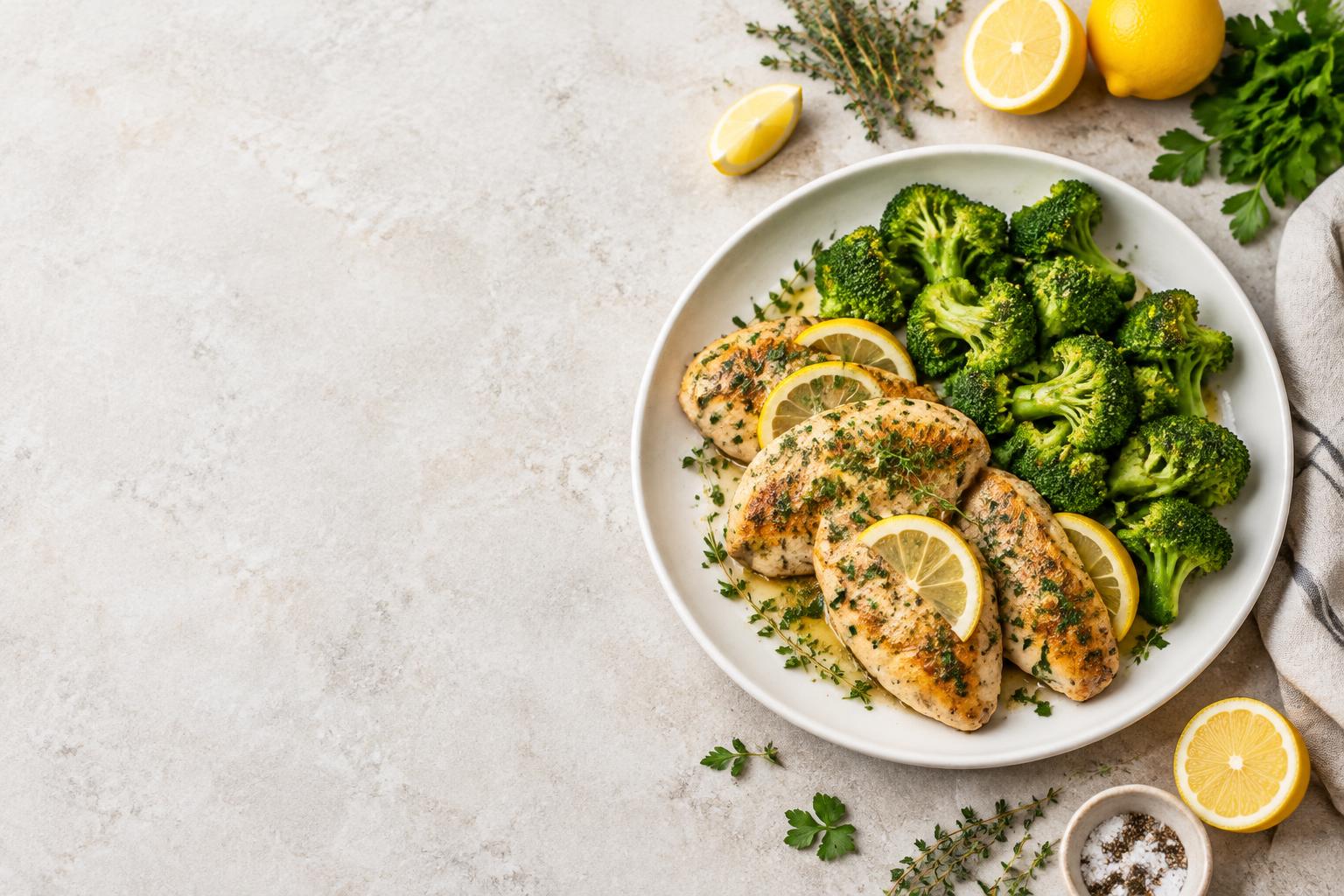
Grocery shopping feels overwhelming for most people because the store itself is already overstimulating, and many of us arrive still carrying unfinished decisions from home. The most effective way to reduce grocery shopping overwhelm is to finish the thinking before you leave: scale the recipes, merge the ingredients, and lock the amounts into one quiet list.
Why the store makes everything harder
Supermarkets combine bright lighting, constant background noise, crowded aisles, and thousands of choices. When you also try to remember whether the recipe needed 300 g or 450 g of chicken, or whether you already have thyme at home, the cognitive load rises quickly. Many people end up either overbuying or leaving without the one ingredient that makes the meal work.
Recipe websites add another layer before you even reach the store. Ads, pop-ups, long introductions, and laggy pages make it harder to extract a clean ingredient list in the first place. By the time you are standing in the produce section, the original page is often slow or hard to read on a phone.
Do the work at the kitchen table
The practical fix is to separate planning from shopping.
- Collect the recipes you actually plan to cook.
- Set the correct number of portions for each one.
- Multiply every ingredient by the same simple factor.
- Merge duplicates into one list.
- Cross off what you already have.
- Group the remaining items roughly by store section.
Once this is done, the store only asks you to locate and tick items. You are no longer calculating, remembering, or deciding under fluorescent lights.
Worked example: scaling lemon herb chicken
Take a common lemon herb chicken recipe that serves 4 and lists:
- 600 g chicken breasts
- 400 g broccoli
- 2 lemons
- 8 sprigs fresh thyme
- 3 tbsp olive oil
You are cooking for 2 people. The multiplier is 2 ÷ 4 = 0.5.
| Ingredient | Original (serves 4) | × 0.5 (serves 2) |
|---|---|---|
| Chicken breasts | 600 g | 300 g |
| Broccoli | 400 g | 200 g |
| Lemons | 2 | 1 |
| Fresh thyme | 8 sprigs | 4 sprigs |
| Olive oil | 3 tbsp | 1.5 tbsp |
The same multiplier is applied to every item so the ratios stay consistent. If you later add a second recipe that also needs broccoli, you simply add the amounts together on the final list.
Where scaling gets awkward
Not every ingredient scales cleanly. Half an egg does not exist in the shop, so most people round up to one and accept a small difference. Strong spices and salt often taste better if you start slightly lower than the pure multiplier and adjust at the end. These small decisions are easier to make at home than while standing in an aisle.
Manual method versus a focused list
Doing the steps above by hand works, but it usually means copying ingredients from several tabs or notes, calculating each line, and hoping you do not miss something. In the store you may still open the original recipe page, which can be slow or full of distractions.
Cook The List handles the extraction and multiplication in one place. You paste a recipe link (from a website, Pinterest, or YouTube) or plain text, set the number of portions, and the amounts update with visible multiplication. The result is one aggregated checklist you can edit, switch between metric and imperial, and tick off with large tap targets. Once the list is open it remains available offline, which matters in supermarket areas with weak signal.
In practice, pins and videos that link to a full recipe page usually extract cleanly enough to shop from after a quick check. Pins that are only photos, or videos with incomplete spoken amounts, are better handled by pasting the text yourself. The point is not perfect automation; it is moving the calculation and cleanup out of the store.
A short checklist before you leave
- Portions are set for every recipe.
- Amounts have been multiplied and written down (or generated).
- Duplicates from multiple recipes are combined.
- Items you already have are crossed off.
- The list is grouped enough that you can move through the store in one direction.
- The list is open on your phone and available without a signal.
What this changes in the aisle
With the list already finished, you spend less time reading, calculating, or second-guessing. Large, static checklist rows are easier to use one-handed while pushing a trolley. There are no ads or autoplay videos competing for attention. The reduced mental load makes it easier to stay focused and finish the trip faster, which itself lowers the sense of overwhelm.
The same approach also reduces the chance of coming home missing a key item or having bought far more than the recipes actually need. Both of those outcomes tend to increase next-day stress around cooking.
If you already have one or two recipes saved, the simplest next step is to paste them in, set the portions, and look at the resulting list before your next shop. The store will still be bright and busy, but the decisions that used to happen inside it can stay at home.
FAQ
Why does grocery shopping feel more stressful than it used to?
Stores are designed for sensory stimulation and choice. When you also carry unfinished recipe calculations and incomplete lists into that environment, the combination quickly becomes tiring.
Should I scale recipes before or after I go shopping?
Before. Doing the multiplication at home protects your working memory and lets you shop from final amounts instead of recalculating in the aisle.
How do I handle half quantities that are hard to buy?
Round up to the next practical amount (for example, one whole egg instead of half) and note it. The difference is usually small for one or two meals.
What if my recipe comes from a Pinterest pin or YouTube video?
Paste the link if it leads to a full recipe page. If the pin is only an image or the video amounts are incomplete, copy the ingredients as text instead and check the result before shopping.
Does the list need to be perfectly organized by aisle?
No. A rough grouping (produce, dairy, dry goods) is enough for most people. The bigger win is having the correct amounts already decided.
Can I still edit the list once it is generated?
Yes. Amounts, units, and notes remain editable so you can adjust for what you already have or for packaging sizes in your store.
Deciding what to cook is its own battle; our guide to choosing dinner when your brain is tired covers the 10-minute method,
One recipe. A quieter next shop.
If you have a recipe saved, try setting its portions and making a list before you leave.
Try Cook The List