How to Turn Any Recipe Into a Grocery List
Recipe to list · 4 min read
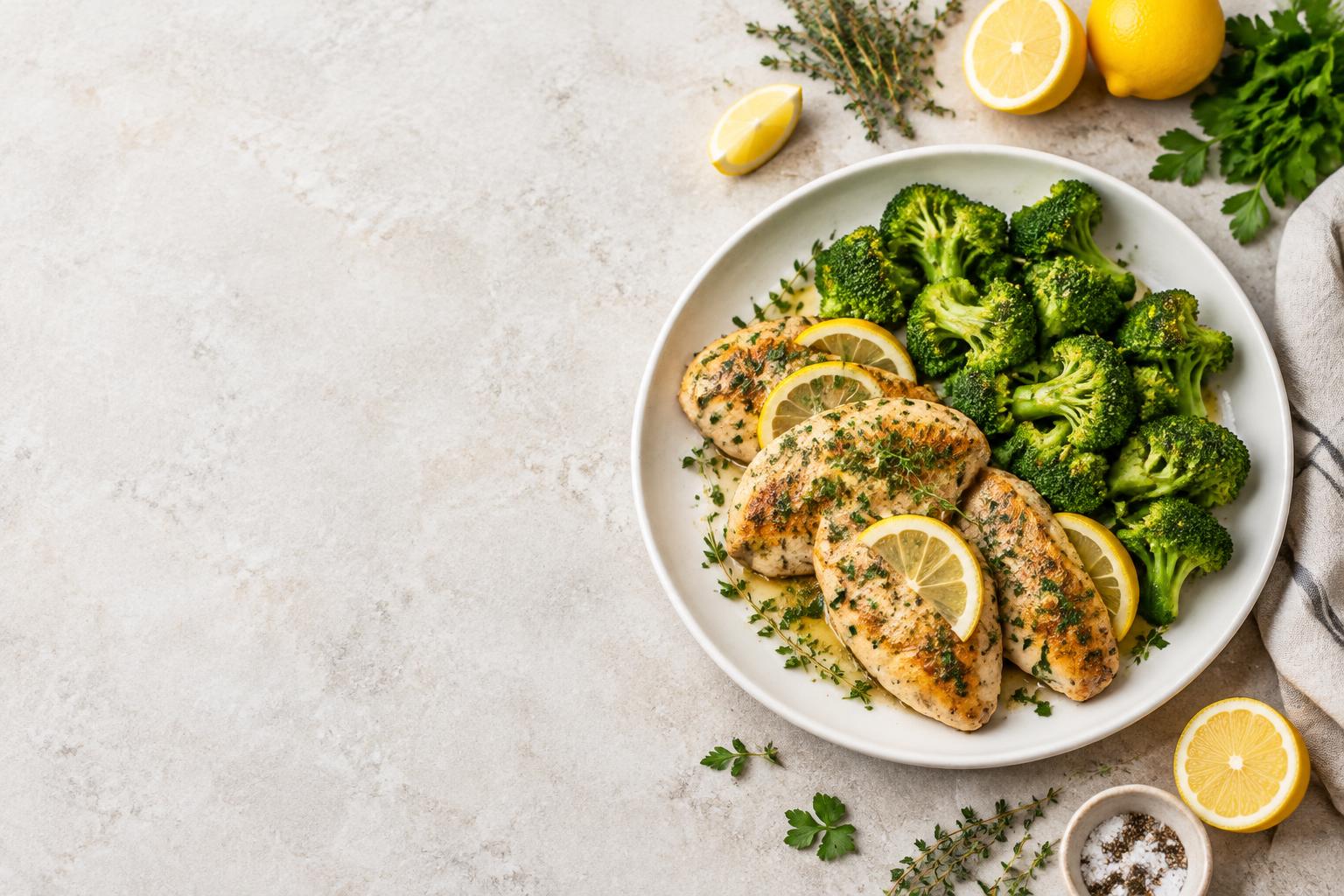
You can turn any recipe into a grocery list you can actually use by extracting only the ingredients, scaling them to the number of people you are feeding, merging duplicates, and removing what you already have—before you leave the house.
Most recipes are easy to find and harder to shop from. A website buries the list under ads and a long introduction. A Pinterest pin leads to another page full of pop-ups. A YouTube video flashes amounts on screen for a few seconds or leaves them only in the description. By the time you are in the store, the original source is often slow, distracting, or incomplete, and you are left doing mental math under bright lights.
Why the usual approach breaks down
The friction rarely comes from the food itself. It comes from the gap between the recipe as published and a list you can tick off in an aisle:
- Ingredients are mixed with method steps or long stories.
- Serving sizes do not match your household.
- Multiple recipes create duplicate items written in different units.
- Pages lag or require constant scrolling when the supermarket signal is weak.
- You try to remember or recalculate while pushing a trolley.
Doing this work in the store increases the chance of forgotten items, overbuying, and the low-level stress that makes cooking feel harder later.
The manual method that works
- Open the recipe and copy only the ingredient lines.
- Note the original number of servings.
- Decide how many people you are cooking for and calculate the multiplier (people you need ÷ original servings).
- Multiply every amount by that number.
- If you have more than one recipe, add matching ingredients together.
- Cross off anything already in your kitchen.
- Write the remaining items as a single checklist, roughly grouped by store section.
This produces a usable list. It also takes time and is easy to get slightly wrong when you are tired or distracted.
Worked example: lemon herb chicken for two
A typical lemon herb chicken recipe serves 4 and lists:
- 600 g chicken breasts
- 400 g broccoli
- 2 lemons
- 8 sprigs fresh thyme
- 3 tbsp olive oil
You need dinner for 2. Multiplier = 2 ÷ 4 = 0.5.
| Ingredient | Original (4) | Scaled (2) |
|---|---|---|
| Chicken breasts | 600 g | 300 g |
| Broccoli | 400 g | 200 g |
| Lemons | 2 | 1 |
| Fresh thyme | 8 sprigs | 4 sprigs |
| Olive oil | 3 tbsp | 1.5 tbsp |
Apply the same factor to every line so the dish stays balanced. If a second recipe also calls for broccoli, add the two scaled amounts on the final shopping list.
Edge cases worth handling at home
Half quantities appear often. Half an egg is usually rounded up to one; the difference is small for a single meal. Strong spices and salt frequently taste better when started a little under the pure multiplier and adjusted while cooking. Different units (cups versus grams, or tablespoons versus millilitres) should be resolved before you shop rather than guessed in the aisle. When a source is incomplete—some YouTube videos give amounts only verbally, some Pinterest pins are just photos—you will need to paste or type the ingredients yourself and double-check them.
A faster path with Cook The List
Paste a link from a recipe website, Pinterest, or YouTube, or paste the recipe text directly. The app extracts a clear English list of ingredients and steps, then lets you set the number of portions. Scaling uses the same transparent multiplication shown above; nothing is estimated behind the scenes. The result is one aggregated checklist you can edit (amounts, units, or notes), switch between metric and imperial, and tick off with large tap targets.
In practice, links that point to a full recipe page usually produce a usable starting list after a quick review. Pins that contain only an image, or videos whose spoken amounts are incomplete or hard to hear, work better when you paste the text. The goal is not perfect extraction every time; it is moving the cleanup and the math out of the supermarket.
Once the list is open it stays available offline, which helps in areas of the store with poor reception. You can also install the site as a PWA on your phone’s home screen so it opens like an app.
Before you leave: a short checklist
- Every recipe has the correct number of portions set.
- Amounts have been multiplied and checked.
- Matching ingredients from multiple recipes are combined.
- Pantry items you already own are removed.
- Awkward fractions are rounded to something you can actually buy.
- The list is open on your phone and does not depend on a live connection.
What changes in the store
You arrive with final quantities instead of original recipe pages. There is no need to scroll past ads, rewind a video, or calculate 1.5 × 400 g while standing in the produce section. A single, quiet checklist with large rows reduces the sensory and cognitive load. Most people finish faster and are less likely to discover a missing ingredient only after they get home.
If you already have a recipe saved somewhere, the lowest-friction next step is to paste it, set the portions, and look at the list it produces. The store will still be busy, but the part that used to require the most thinking can stay finished before you walk in.
FAQ
Can I turn a recipe from any source into a grocery list?
Yes, if you can get the ingredients. Website links, Pinterest pins that lead to a recipe, YouTube videos, and plain pasted text all work as starting points. Review the result before you shop.
How do I scale a recipe that serves 4 down to 2 people?
Divide every ingredient by 2 (multiplier of 0.5). The same approach works for any number: desired servings ÷ original servings.
What should I do with half an egg or other awkward amounts?
Round to the nearest practical quantity you can buy and note it. For most home cooking the difference is minor.
Does the list combine ingredients from several recipes?
Yes. Once each recipe is scaled, matching items can be added together so you buy the total amount once.
Will the list work if the supermarket has no signal?
Once the list has been opened it remains available offline.
Can I change amounts the extraction gets wrong?
Yes. Every amount, unit, and note stays editable.
Related read: make one shopping list from multiple recipes.
One recipe. A quieter next shop.
If you have a recipe saved, try setting its portions and making a list before you leave.
Try Cook The List